Cómo retirar fondos
Proceso de retiro, tiempo de procesamiento y condiciones necesarias para una transacción real.
- 1
Paso 1
Abrir la pantalla de retiro
Ir a Saldo y luego pulsar Retirar fondos. Solo puedes retirar dentro del saldo disponible; la parte bloqueada como garantía para anuncios de socios no está incluida.
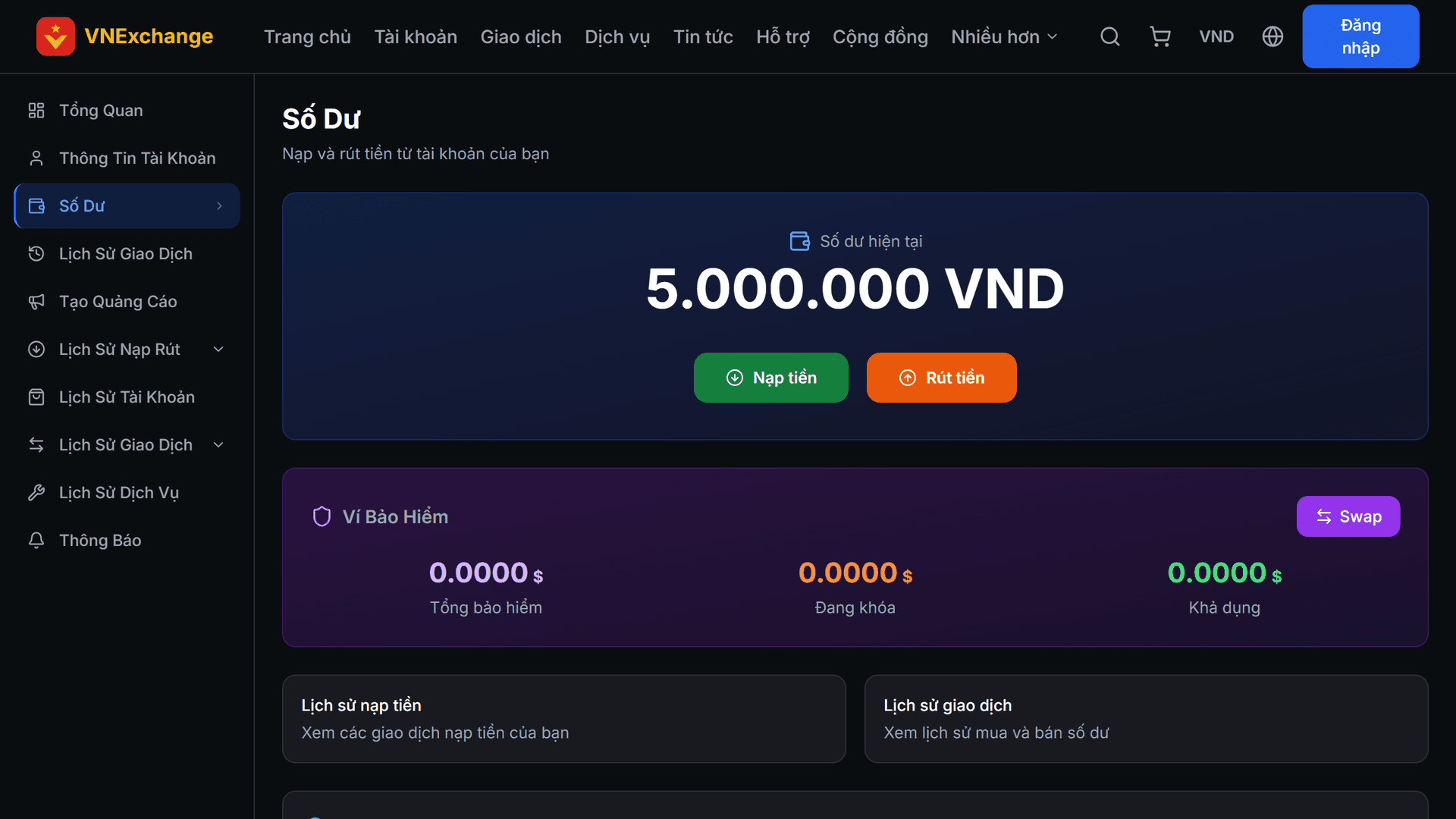
- 2
Paso 2
Ingresar la información de recepción de fondos
Selecciona el método, ingresa el monto y completa la información de la cuenta receptora (número de cuenta bancaria, dirección de la billetera…). Verifica cuidadosamente: el dinero enviado con información incorrecta no se puede recuperar. El saldo se deduce inmediatamente al enviar la solicitud y se reembolsa si la solicitud es rechazada.
- 3
Paso 3
Condiciones para retirar fondos
VNExchange es una plataforma de compra‑venta, no un servicio de transferencia de dinero. Por lo tanto, si solo depositas y retiras sin haber realizado ninguna transacción, la solicitud de retiro será rechazada con un mensaje indicando cuánto falta. Todas las actividades reales se contabilizan: compra de cuentas, compra o venta de saldo, contratación de servicios, donaciones. Los pedidos cancelados no se cuentan. Si consideras que has sido bloqueado por error, contacta al soporte.