サポートへの連絡方法
リクエストの送信方法2つ、準備すべき情報、その他の連絡チャネル。
- 1
ステップ 1
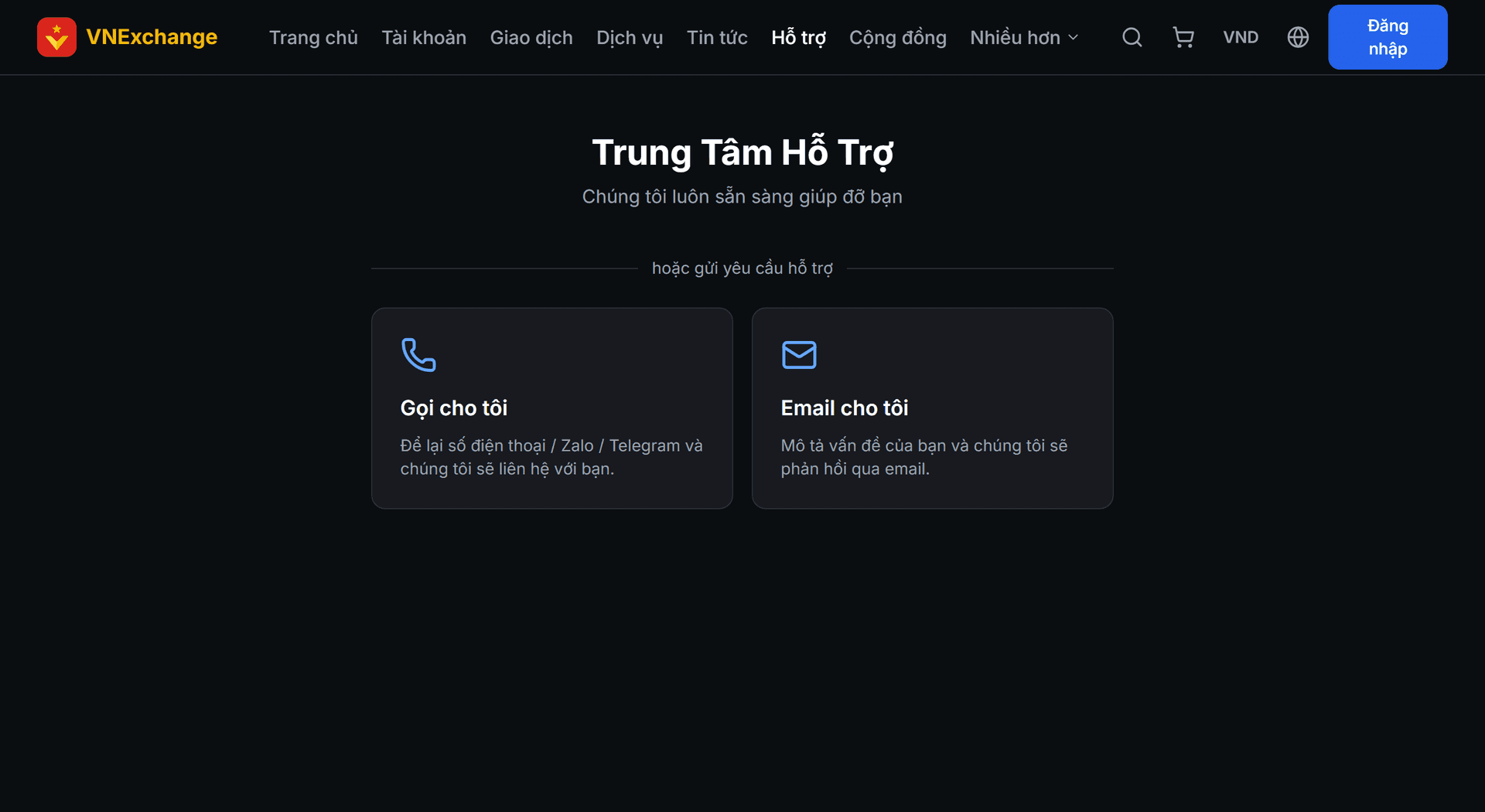
サポートページを開く
ナビゲーションバーの サポート をクリックします。2つの選択肢があります:電話でのお問い合わせ(電話番号、ZaloまたはTelegramを残すと、こちらから折り返し電話します)とメールでのお問い合わせ(メールでやり取り)。
- 2
ステップ 2
問題の説明
正しい取引タイプ(アカウント、残高の売買、またはサービス)を選択し、問題を説明してください。特定の注文に関係する場合は 注文ID を貼り付けてください—これがスタッフがすぐに該当取引を特定する手掛かりになります。送信後、サポートコードが発行されます。
- 3
ステップ 3
その他のチャネル
ページにはTelegram、Facebook、サポート用メールがあり、直接連絡したい場合に利用できます。アカウント内の資金に関する緊急の場合は、まずサポートページからリクエストを送信して追跡コードを取得し、必要に応じて他のチャネルでもメッセージを送ってください。