How to Withdraw Money

Withdrawal process, processing time, and required conditions for actual transactions.

  1. 1

    ステップ 1

    Open the Withdrawal Screen

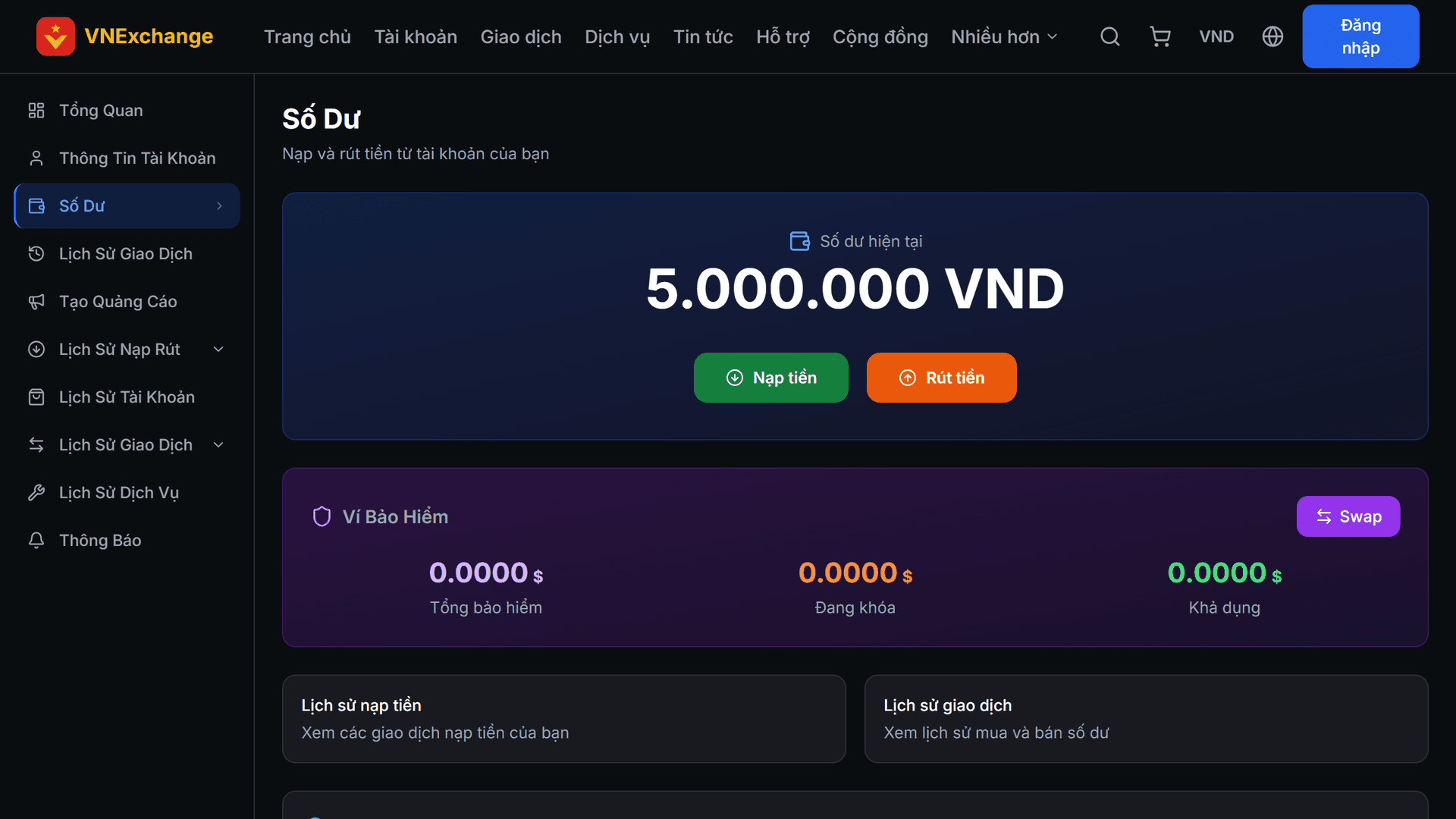
    Go to Balance and tap Withdraw. You can only withdraw up to your available balance; the portion locked as margin for partner ads is not included.

    ステップ 1 のイラスト: Open the Withdrawal Screen
  2. 2

    ステップ 2

    Enter Recipient Information

    Select a method, enter the amount and fill in the recipient account details (bank account number, wallet address, etc.). Check carefully: funds sent with incorrect details cannot be recovered. The balance is deducted immediately when you submit the request, and will be refunded if the request is rejected.

  3. 3

    ステップ 3

    Withdrawal Conditions

    VNExchange is a trading platform, not a money transfer service. Therefore, if you only deposit and withdraw without having any actual transactions, the withdrawal request will be rejected with a notice indicating the missing amount. All genuine activities are counted: purchasing accounts, buying or selling balance, ordering services, making donations. Cancelled orders are not counted. If you believe you have been mistakenly blocked, please contact support.

記事一覧へ戻る