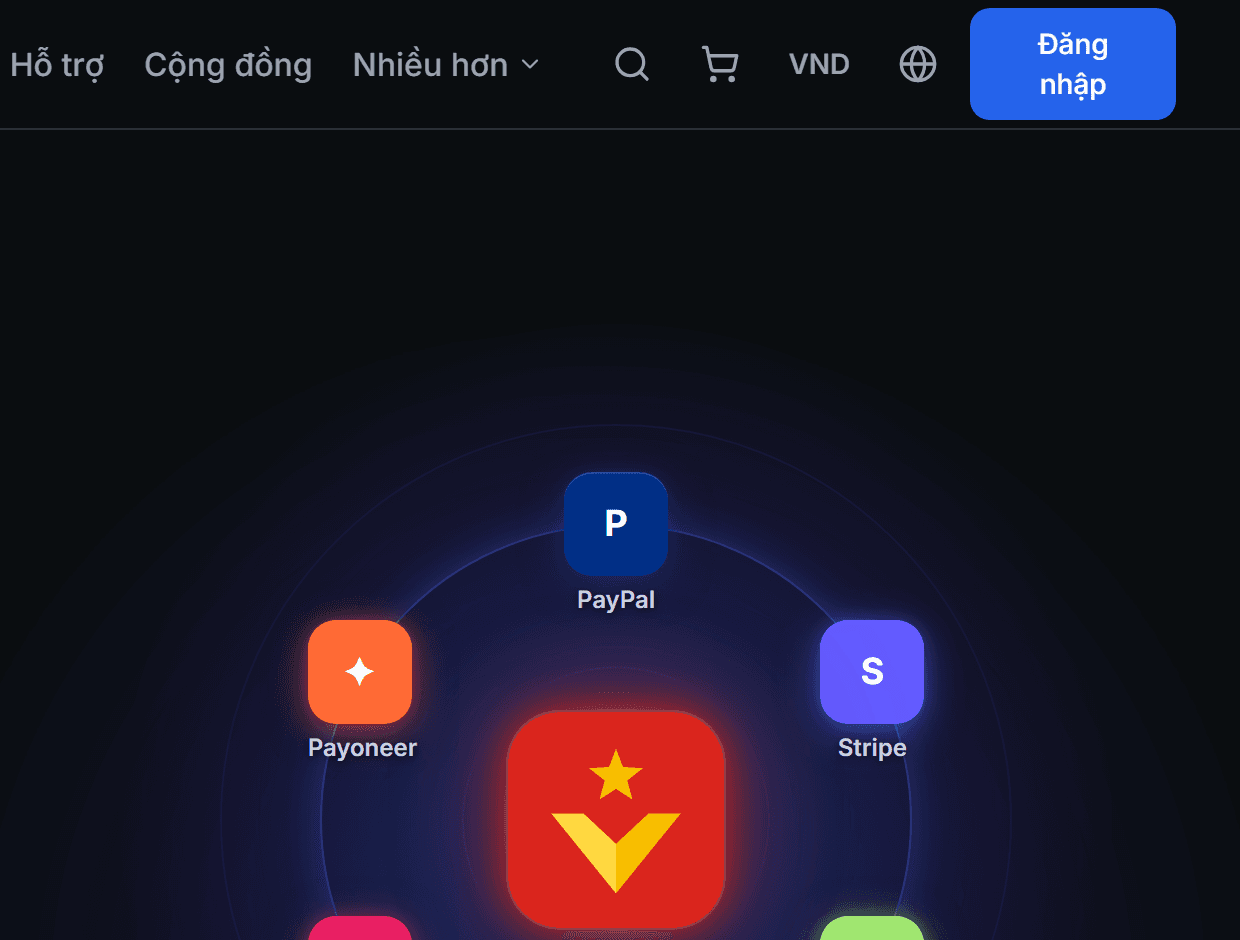
Change display currency and language
View prices in your currency, and read the website in your language.
- 1
Step 1
Change display currency
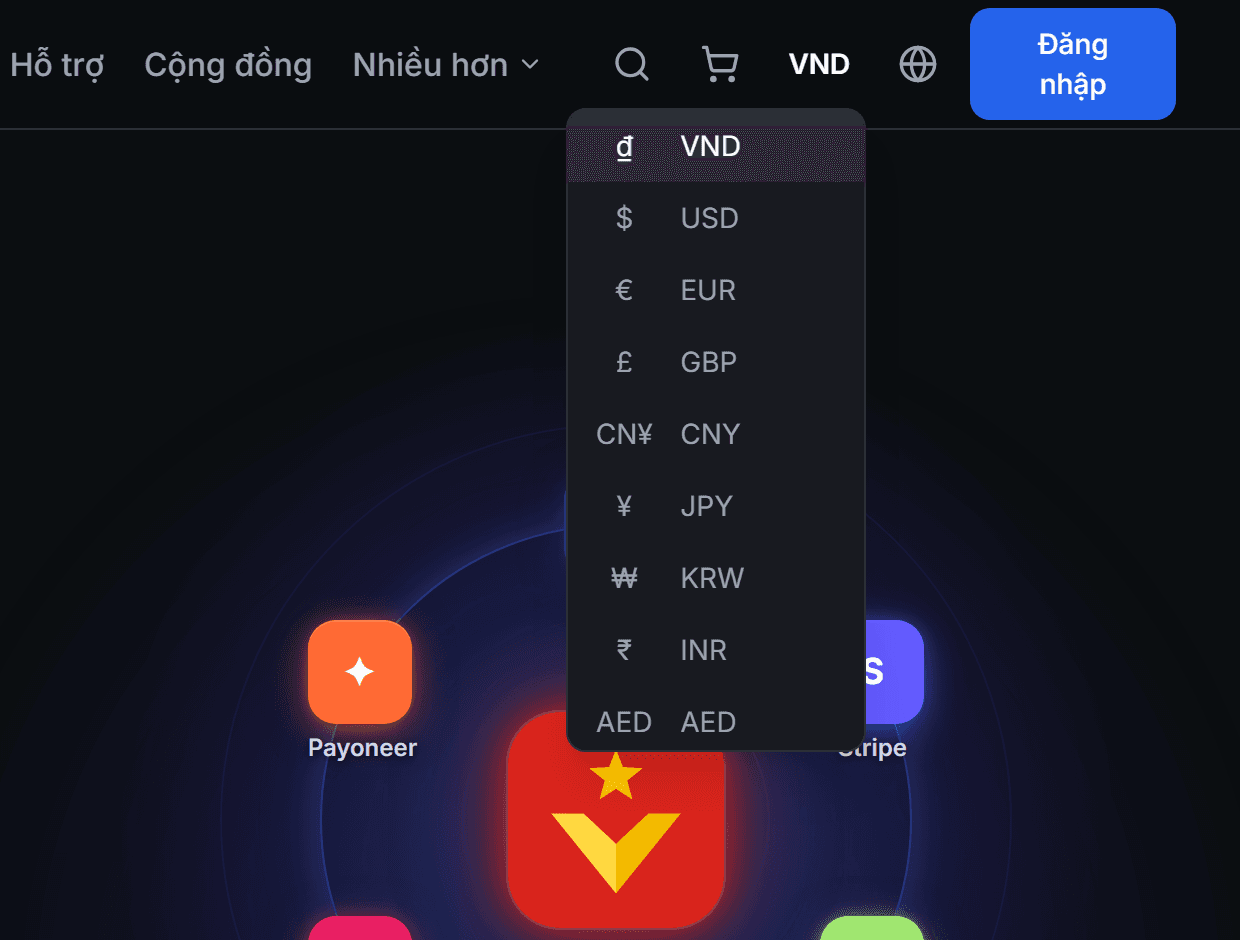
Click the currency code button at the top right corner (USDT by default) and select one of the 10 currencies. Prices across the entire website — products, buy-sell rates, balances, history — will instantly appear in that currency.
- 2
Step 2
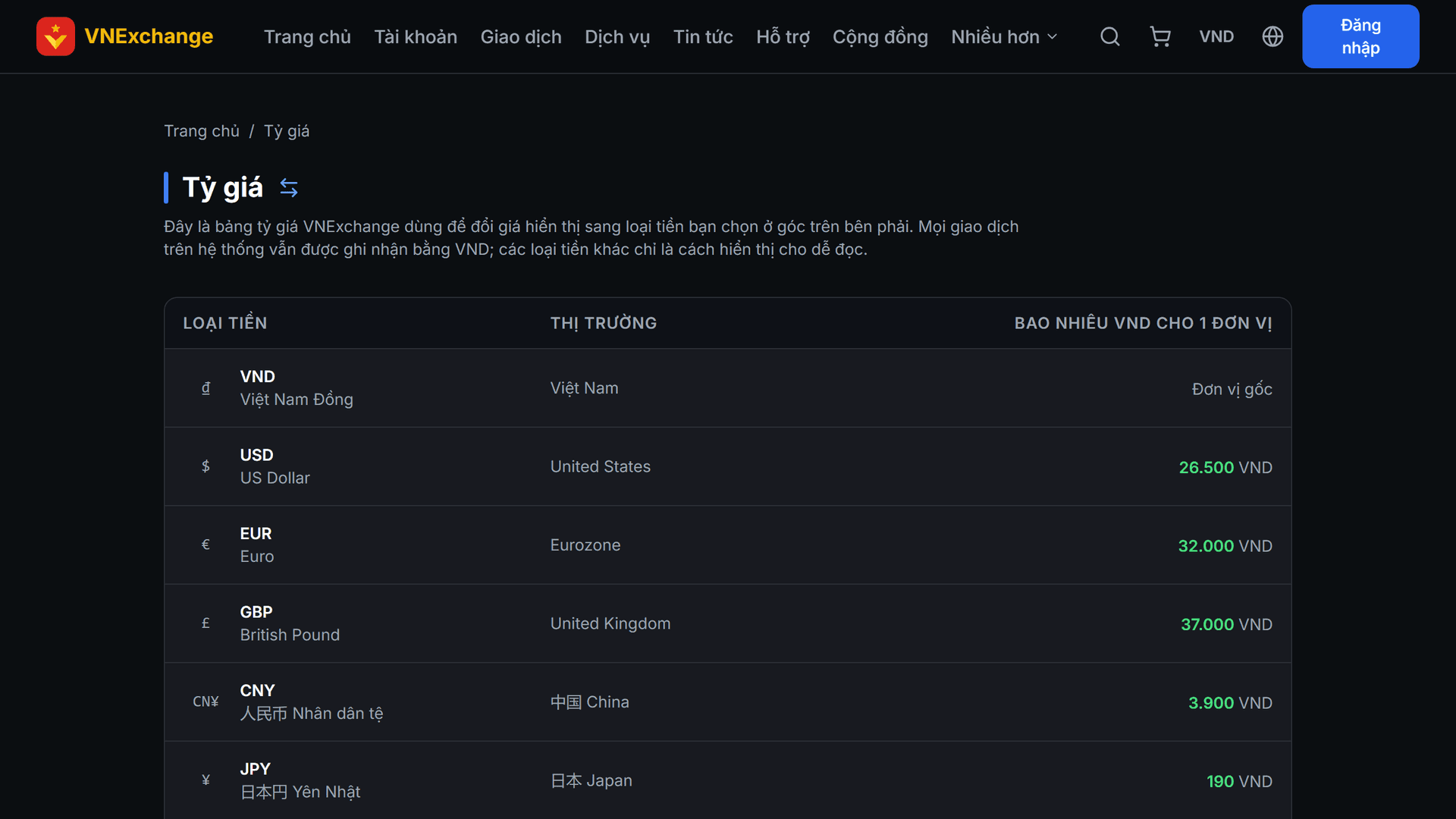
View exchange rate table
To see where the conversion numbers come from, open the Exchange Rates page in the "More" menu on the navigation bar. That page lists in full: how many VND one unit of each currency equals. The rates are set manually by us and remain fixed, not updated minute‑by‑minute with the market.
- 3
Step 3
Change language
Click the globe icon and select a language. Changing the language DOES NOT change the display currency, and vice versa — the two are independent. Content entered by administrators (product names, descriptions, news) is also automatically translated into the language you choose.