How the website works
Three product groups, shared balance, and the typical flow for a new customer.
- 1
Step 1
Three product groups
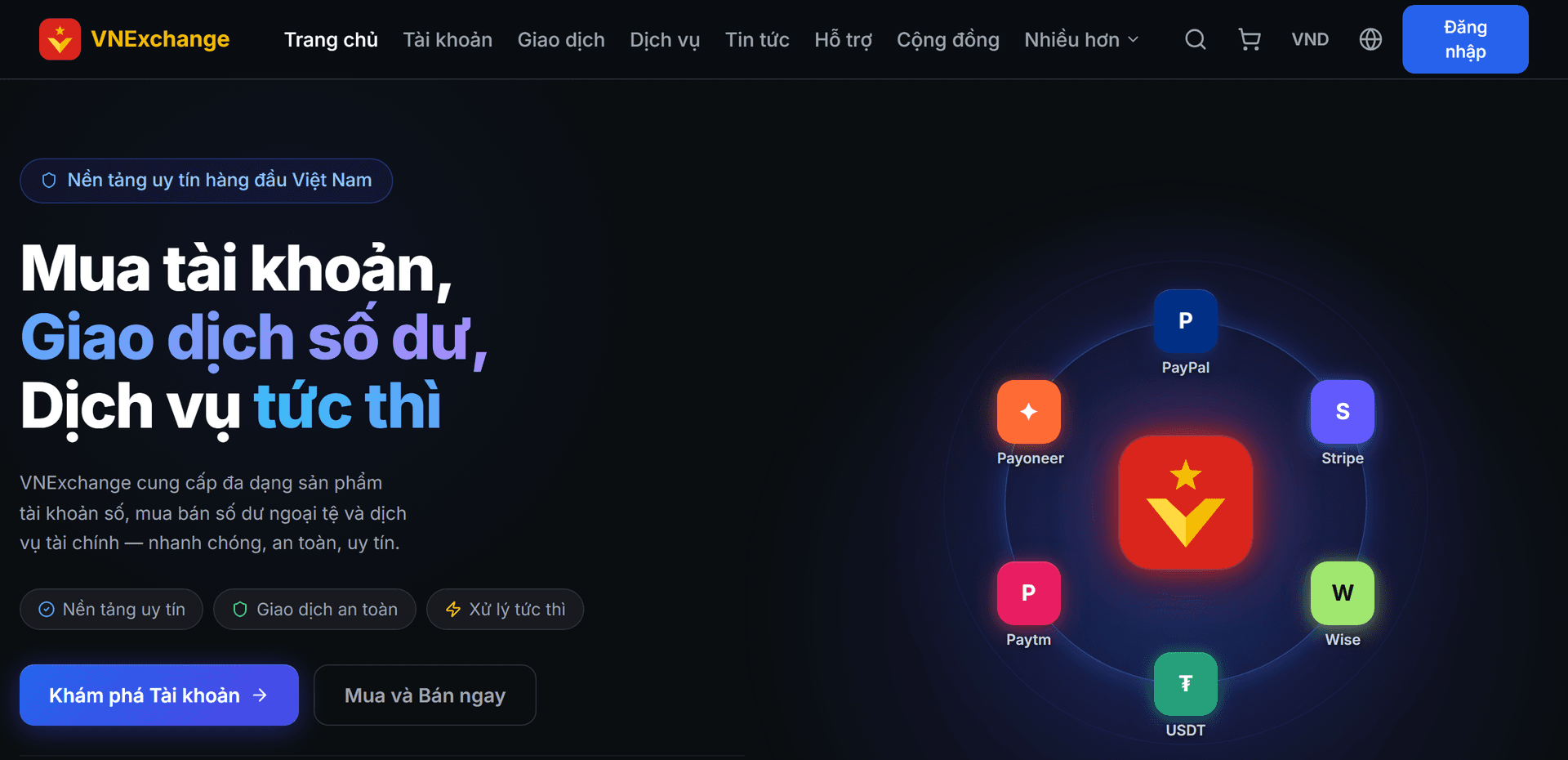
VNExchange has three groups. Accounts are ready-made digital accounts (PayPal, Stripe, Wise, Payoneer…) sold as such. Buy and sell is exchanging foreign currency balances at the rates we list. Services are on-demand tasks, some with fixed quotes, some requiring prior discussion. The homepage displays highlighted items from all three groups for quick viewing.
- 2
Step 2
Switching currency only changes the display
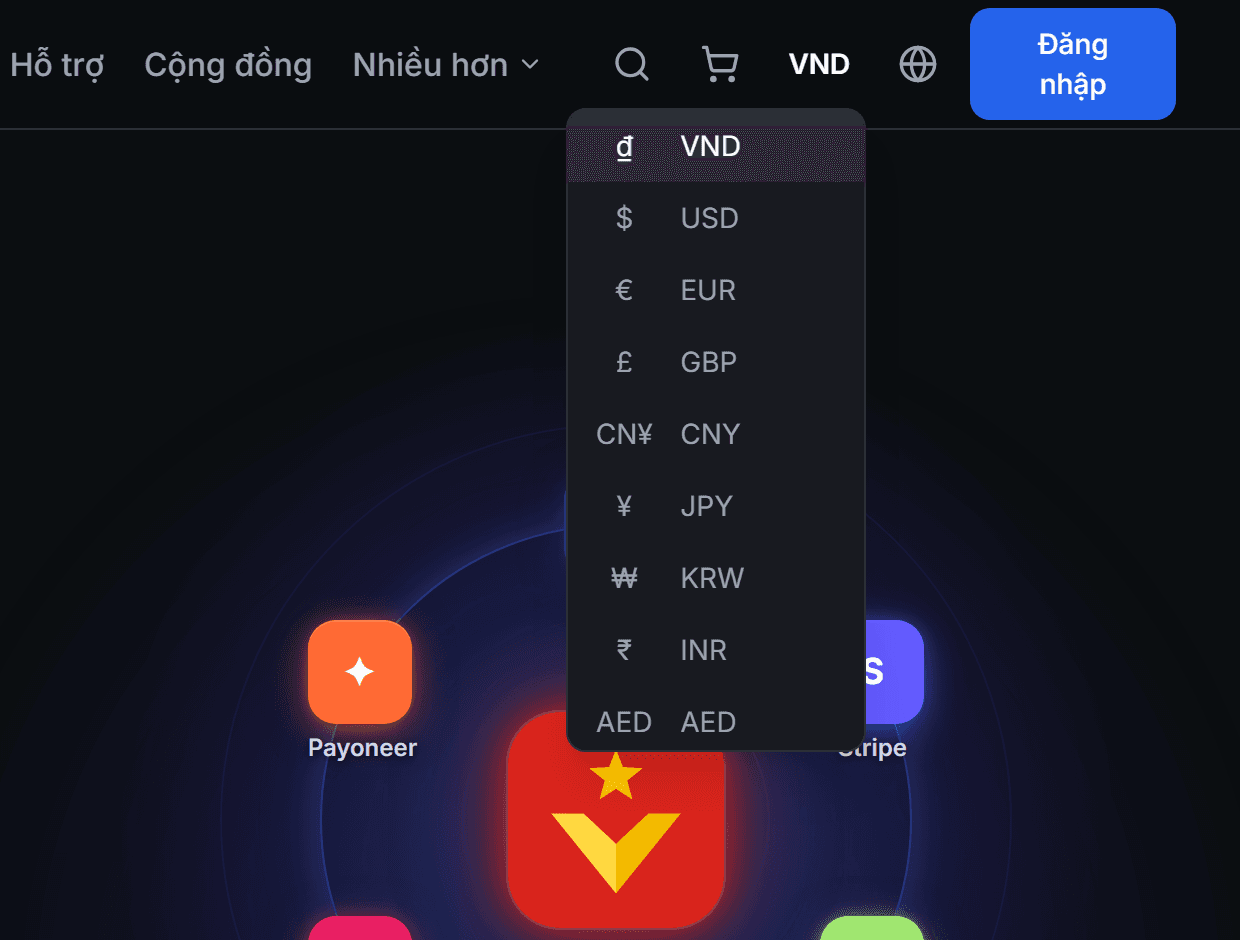
The currency button at the top right (USDT, USD, EUR…) only changes HOW AMOUNTS ARE DISPLAYED, to help you estimate — it does not change the actual amount, does not affect exchange rates, and does not impact orders you have placed.
- 3
Step 3
Change language
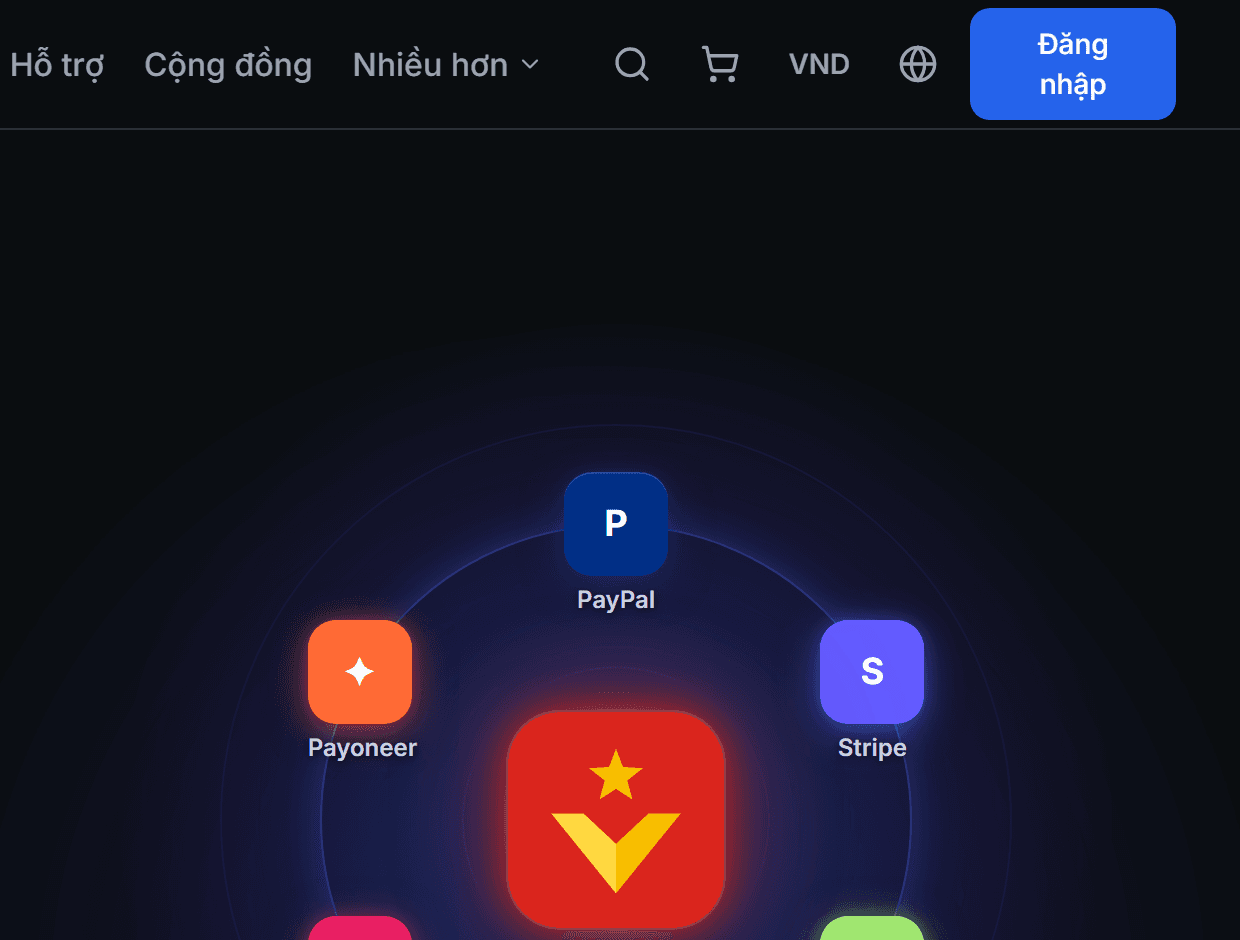
The globe icon next to the currency button allows switching among 10 languages. Language and currency are separate selections: you can read Vietnamese while viewing prices in USD, or vice versa. Both choices are remembered for next time.
- 4
Step 4
Typical flow
Register an account → deposit funds into your balance → purchase a product or order a service → monitor in the History pages → withdraw the remaining amount when needed. You can freely view any page without logging in; the system only prompts for login when you click buy, sell, or order a service.