Register and secure your account
Create an account with email, verify OTP, and enable two‑factor authentication.
- 1
Step 1
Open registration form
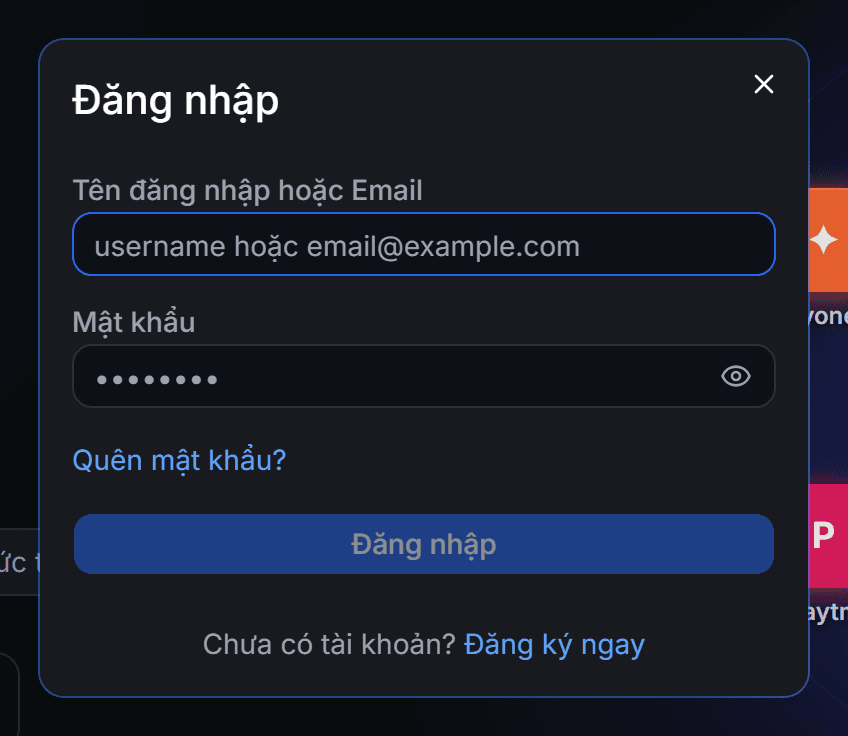
Click Log In at the top right corner and then select Register. This window also opens automatically when you click to buy while not logged in, so you don’t lose your in‑progress actions.
- 2
Step 2
Enter information and verify email
Enter a username, nickname, email, and password. We send a 6-digit OTP code to the email; the code is valid for 10 minutes. Enter the correct code to create the account and you will be logged in immediately. The username cannot be changed later, so choose it carefully.
- 3
Step 3
Enable two-factor authentication
Go to Account Information → Security and enable 2FA. Scan the QR code with Google Authenticator or Authy, then each login will require an additional 6-digit code. This is the most valuable layer of protection for an account that holds funds.